
Appearance
X6 uses the Graphite look: neutral graphite with a lime-to-aqua accent, hairline outlines, and Instrument Sans and JetBrains Mono served by X6 itself. Every color pair in use passes WCAG 2.2 AA in both light and dark.
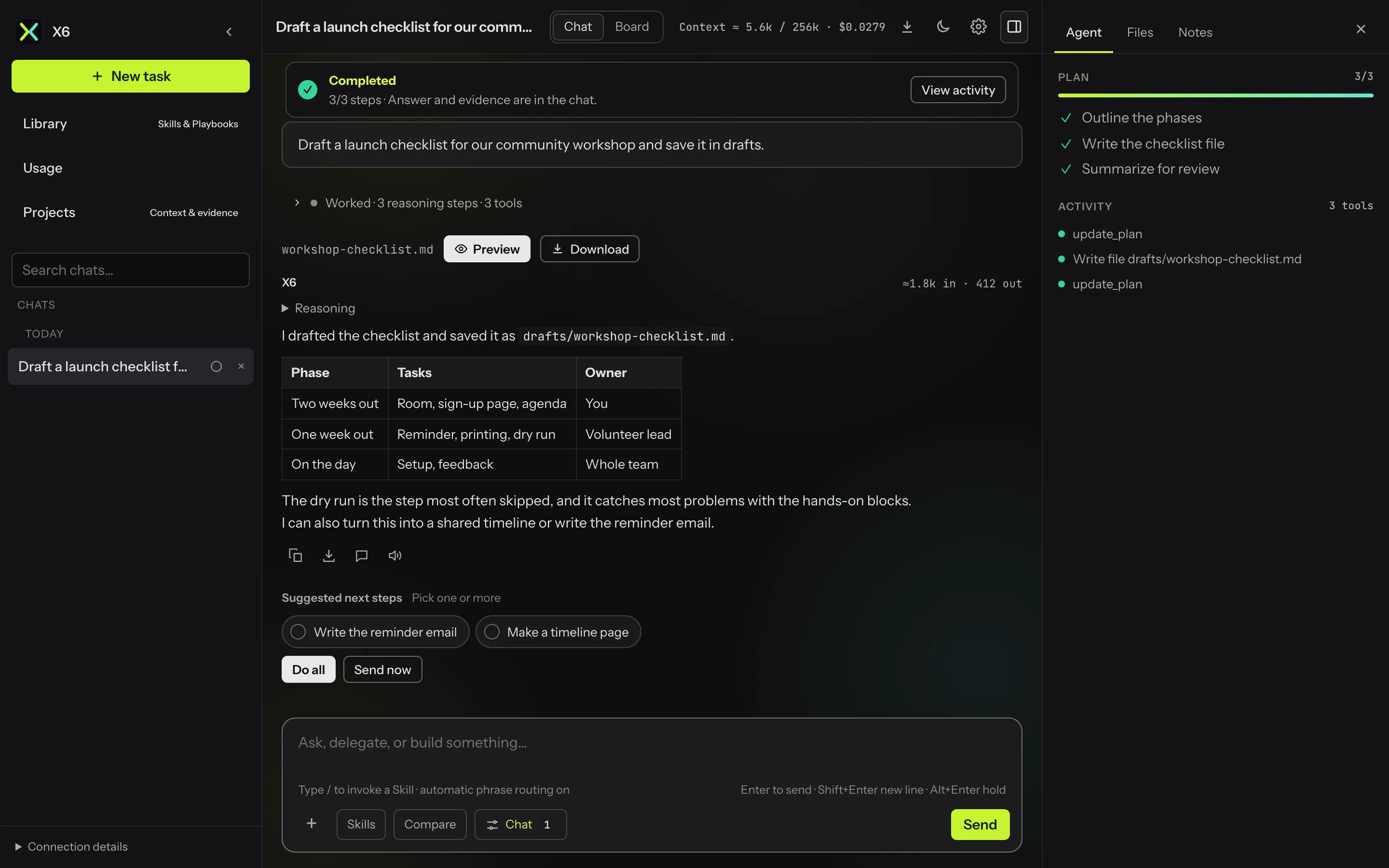

Light and dark
Section titled “Light and dark”Each device follows the system setting by default. The sun/moon button in the top bar cycles Automatic → Light → Dark and remembers the choice on that device. The theme is applied before the first paint, so pages never flash the wrong colors.
Settings → Appearance
Section titled “Settings → Appearance”
| Setting | Scope | Options |
|---|---|---|
| Style | This device | Graphite |
| Appearance | This device | Automatic, Light, Dark |
| Glow | This device | Off, Subtle, Standard, Vivid |
| Motion | This device | Soft (default), Full |
| Button style | All devices | Graphite (default), Lime |
Glow is a slow ambient light behind the conversation. It drifts faster while X6 works, turns warm amber while an approval waits, and flashes softly when a task finishes or fails. The system’s Reduce Motion setting keeps it still.